
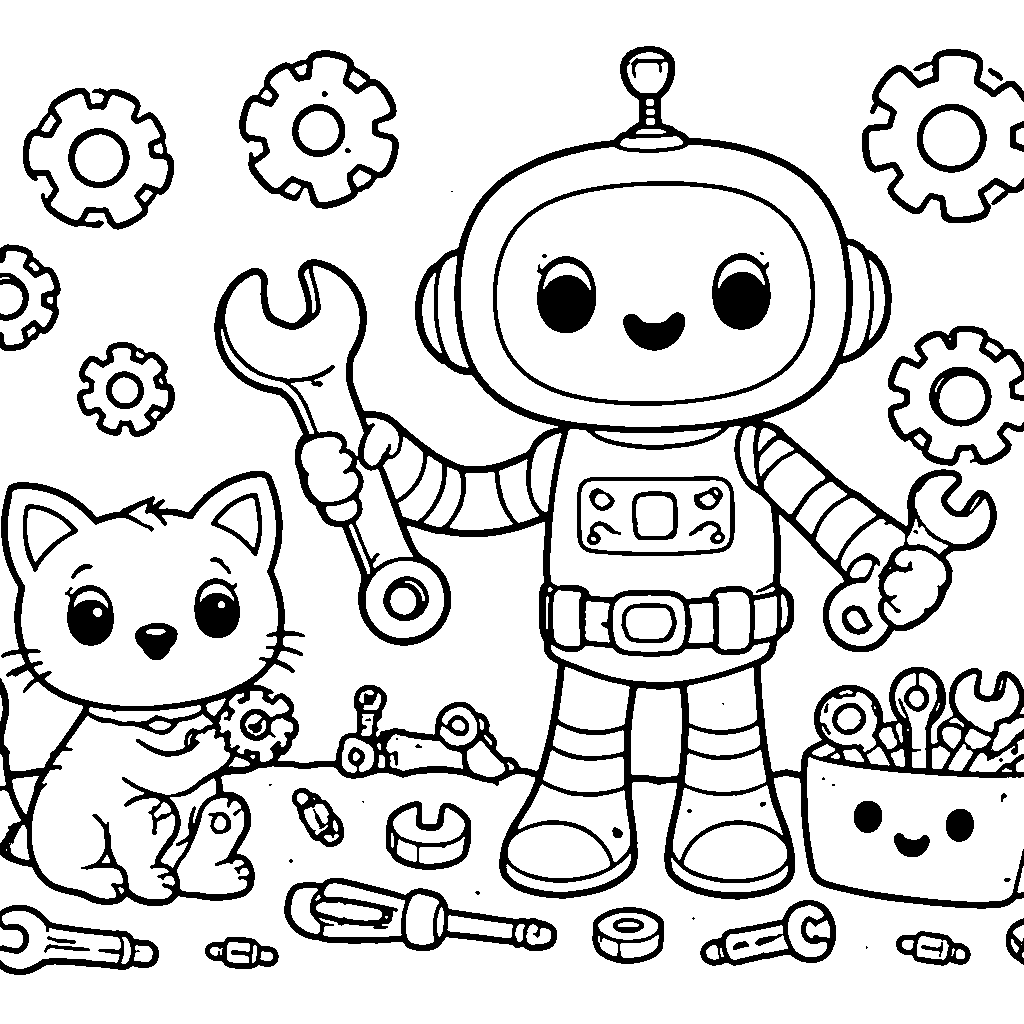
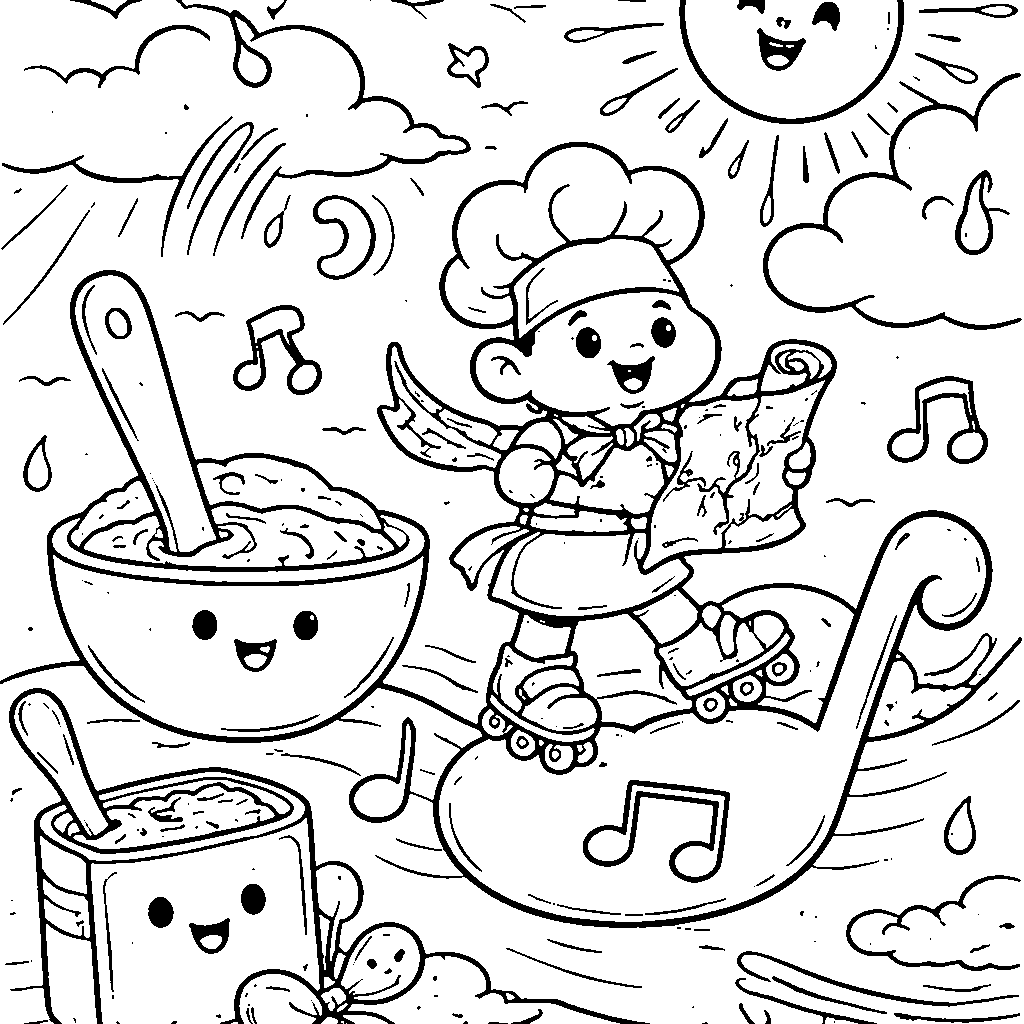
Friendly Robot Mechanic Coloring Page
Introduce your child to the exciting world of technology and creativity with our Friendly Robot Mechanic coloring page! Designed specifically for children aged 3-12, this fun and engaging page features a cheerful robot ready to lend a helping hand. Surrounded by colorful tools and gadgets, the friendly mechanic invites kids to unleash their imagination and bring the scene to life with vibrant colors. Coloring is not only a fun pastime but also helps develop fine motor skills and creativity. Download and print this delightful coloring page today to inspire hours of artistic expression! Perfect for home, school, or any creative activity, this friendly robot promises to be a hit with young colorists everywhere.
Similar Coloring Pages


Learn more about coloring
How to print this coloring page
Click the Print button above to open your browser's print dialog. Make sure your printer is set to print in black and white to save ink. For the best results, use A4 or US Letter paper and select 'Fit to page' in the print settings. You can also click 'Download PDF' to save the coloring page and print it later.
Recommended age
Our coloring pages are suitable for children aged 3 and up. Simpler designs with large areas work great for toddlers and preschoolers, while more detailed pages are perfect for older children aged 6–12. Coloring is also a relaxing and creative activity enjoyed by adults of all ages.
Why coloring is good for children
Coloring helps children develop fine motor skills, hand-eye coordination, and concentration. It encourages creativity and self-expression, helps children learn to recognize colors, and provides a calming, screen-free activity. Regular coloring also supports pencil grip development, which is essential for writing.
Frequently Asked Questions
Is this coloring page free?
Yes! All coloring pages on Coloripedia are completely free to download and print. There is no registration required and no hidden fees.
How do I print the coloring page?
Click the 'Print' button at the top of the page. Your browser's print dialog will open — select your printer and click Print. For best quality, use a white A4 or Letter-size sheet of paper.
Can I download the coloring page as a PDF?
Absolutely! Click the 'Download PDF' button to save the coloring page as a PDF file. You can then print it at any time, even without an internet connection.